Veo 3.1 · Text to video
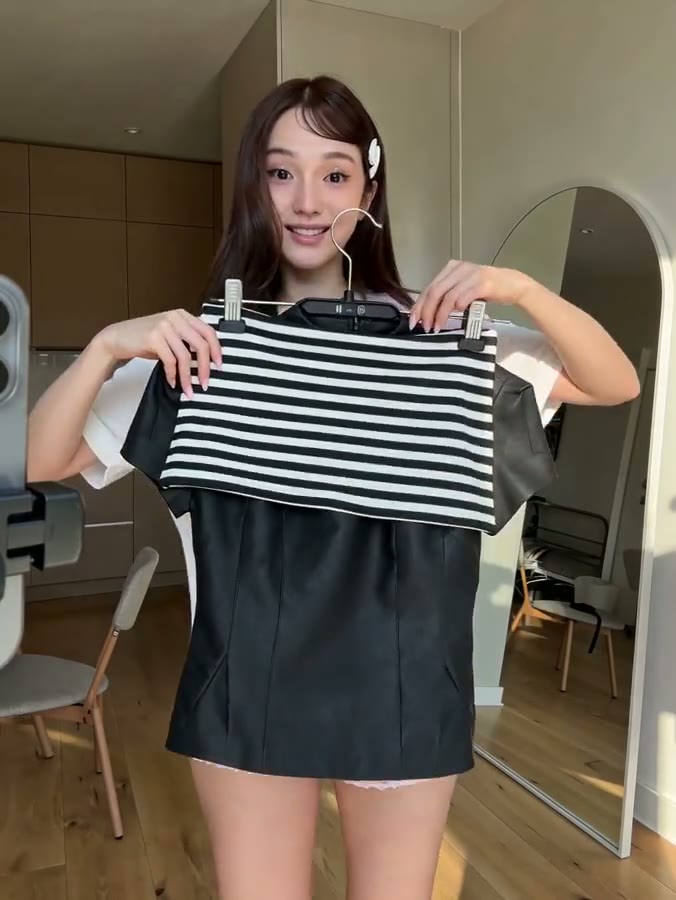
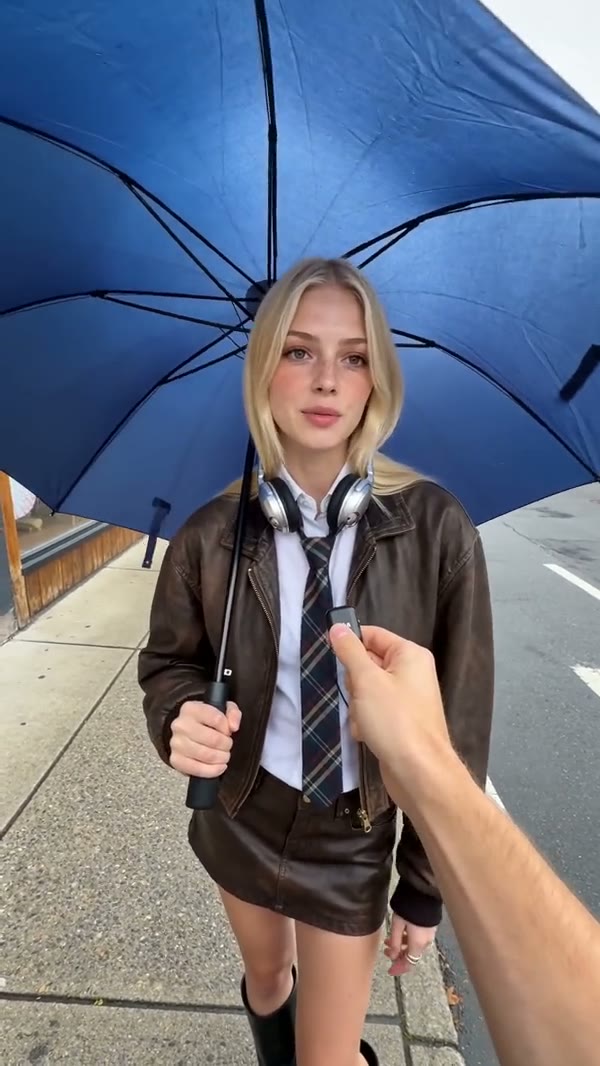
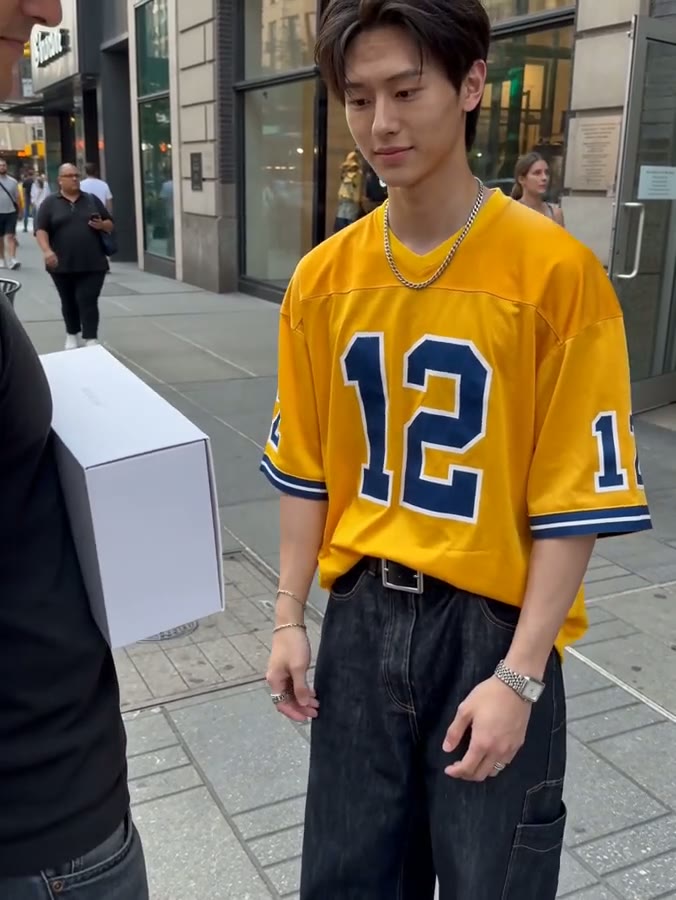
Two person street interview in New York City. Sample Dialogue: Host: "Did you hear the news?" Person: "Yes! Veo 3.1 is now available on fal. If you want to see it, go check their website."
Use this prompt
Veo 3.1 또는 Fast에서 텍스트와 이미지로 영상을 만들고 첫 프레임과 마지막 프레임을 지정하세요. 정지 이미지는 AI Image의 이미지 모델에서 제작합니다.
Two person street interview in New York City. Sample Dialogue: Host: "Did you hear the news?" Person: "Yes! Veo 3.1 is now available on fal. If you want to see it, go check their website."
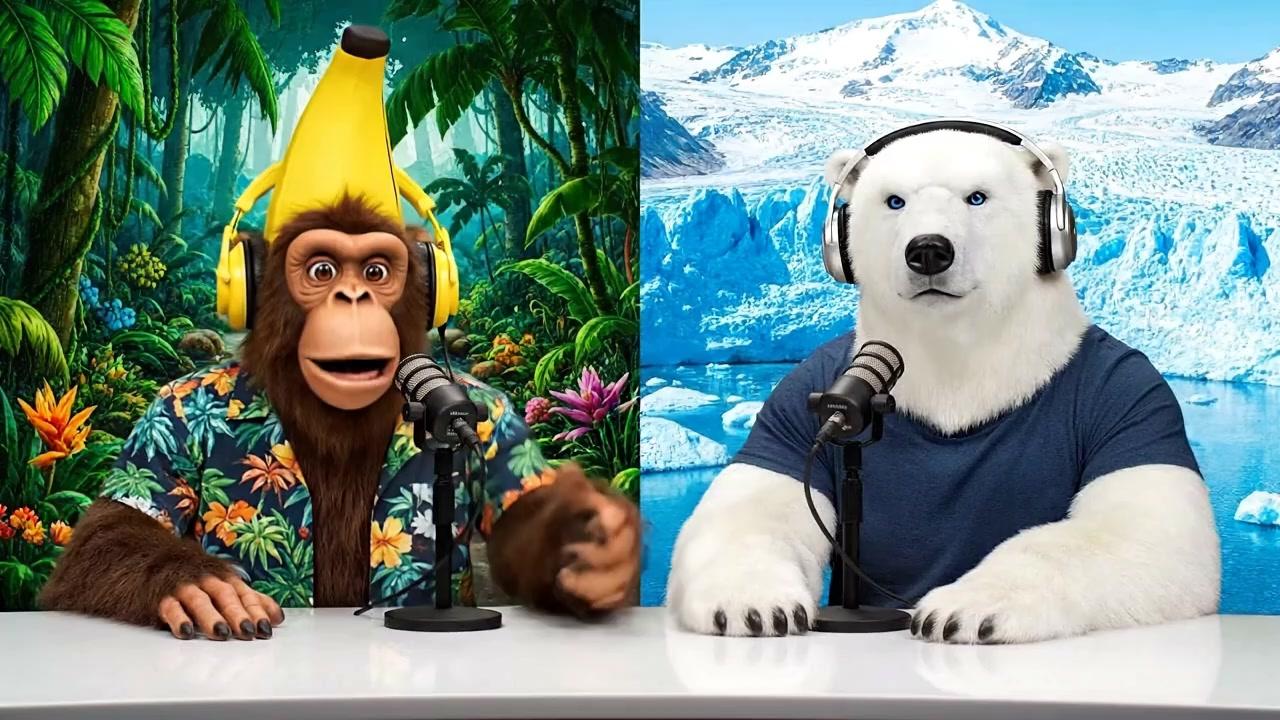
Use this promptA monkey and polar bear host a casual podcast about AI inference, bringing their unique perspectives from different environments (tropical vs. arctic) to discuss how AI systems make decisions and process information. Sample Dialogue: Monkey (Banana): "Welcome back to Bananas & Ice! I am Banana" Polar Bear (Ice): "And I'm Ice!"
 Use this prompt
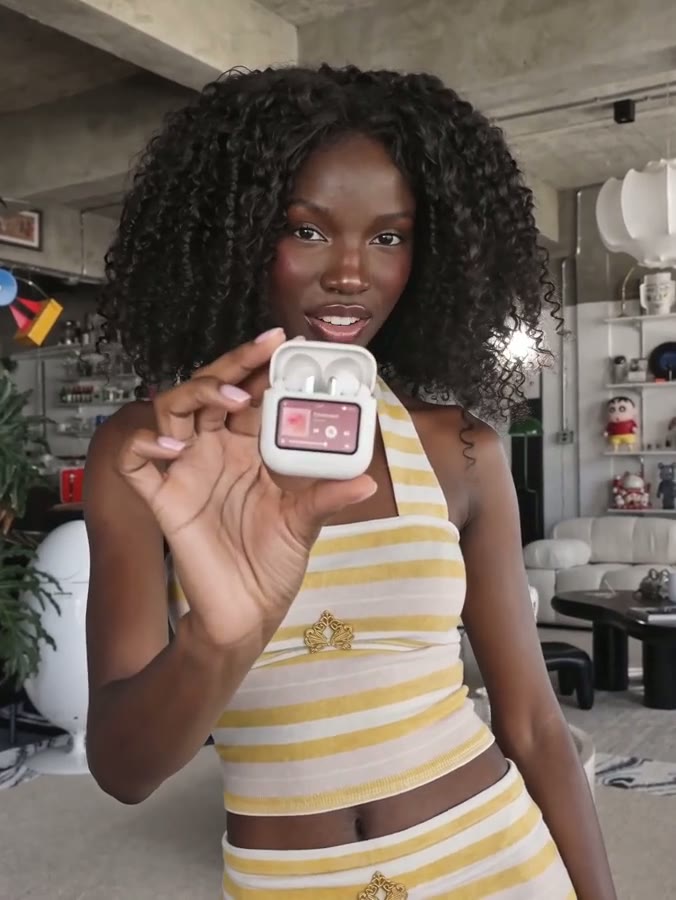
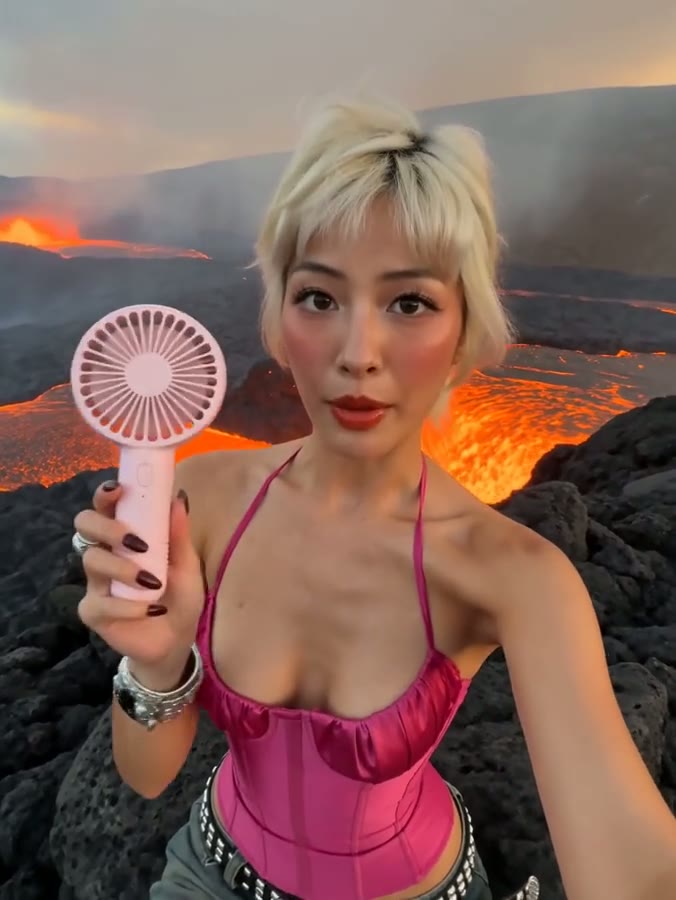
A woman looks into the camera, breathes in, then exclaims energetically, "have you guys checked out Veo3.1 First-Last-Frame-to-Video on Fal? It's incredible!"
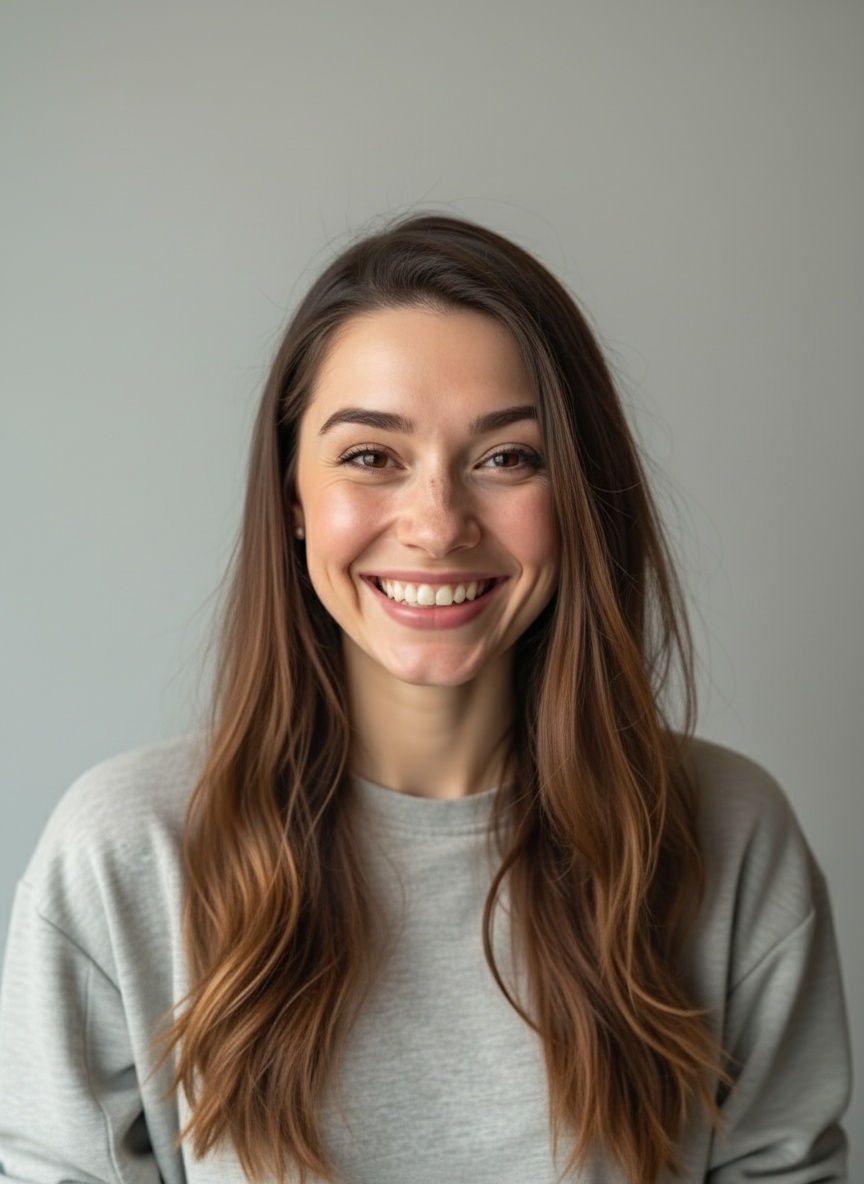
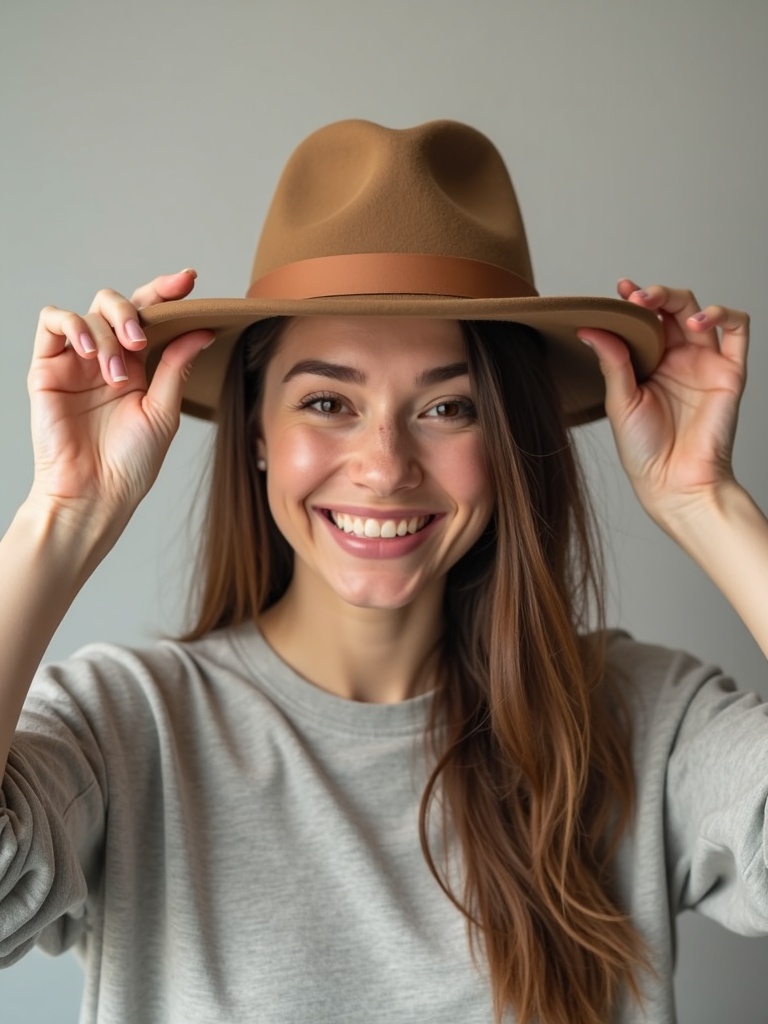 Use this prompt
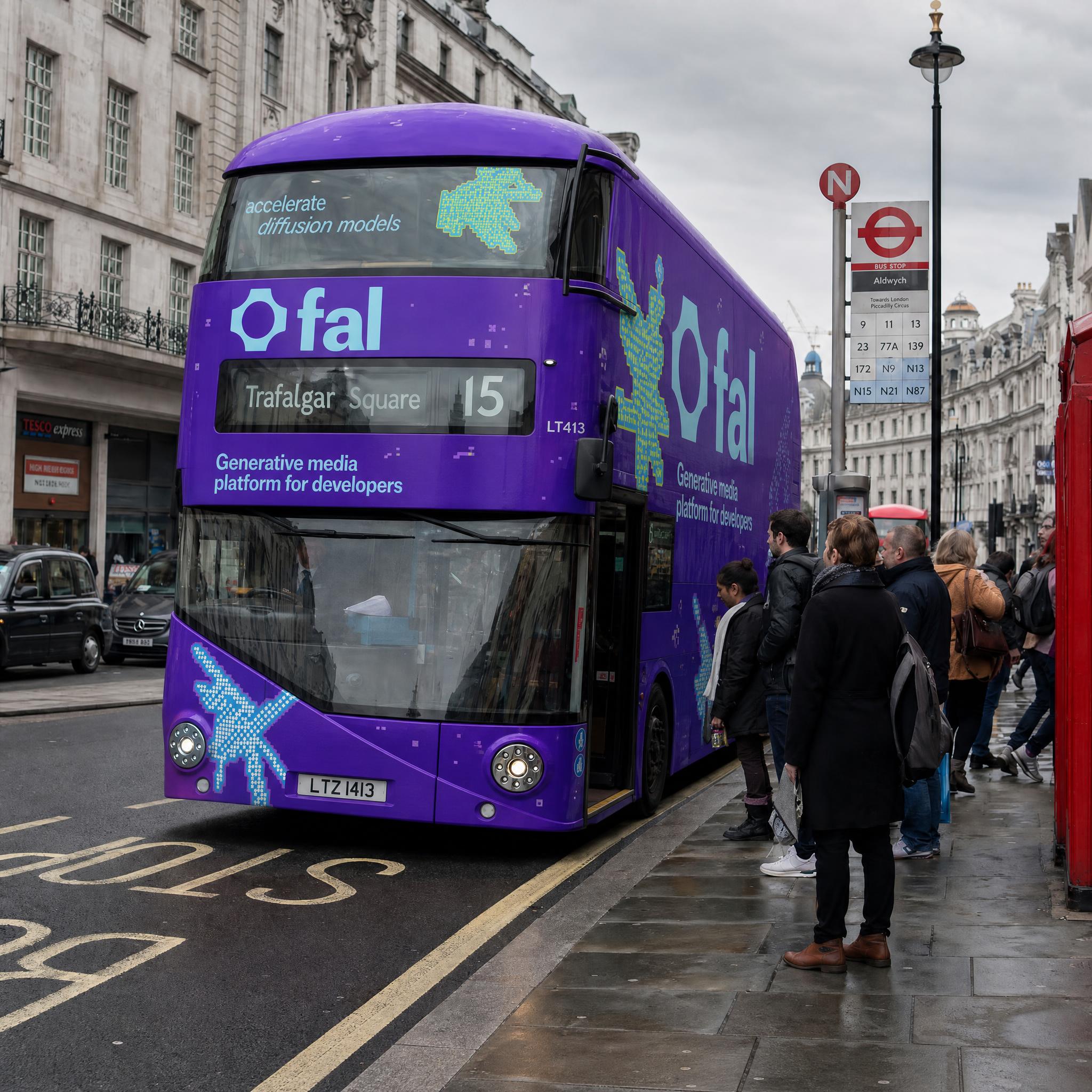
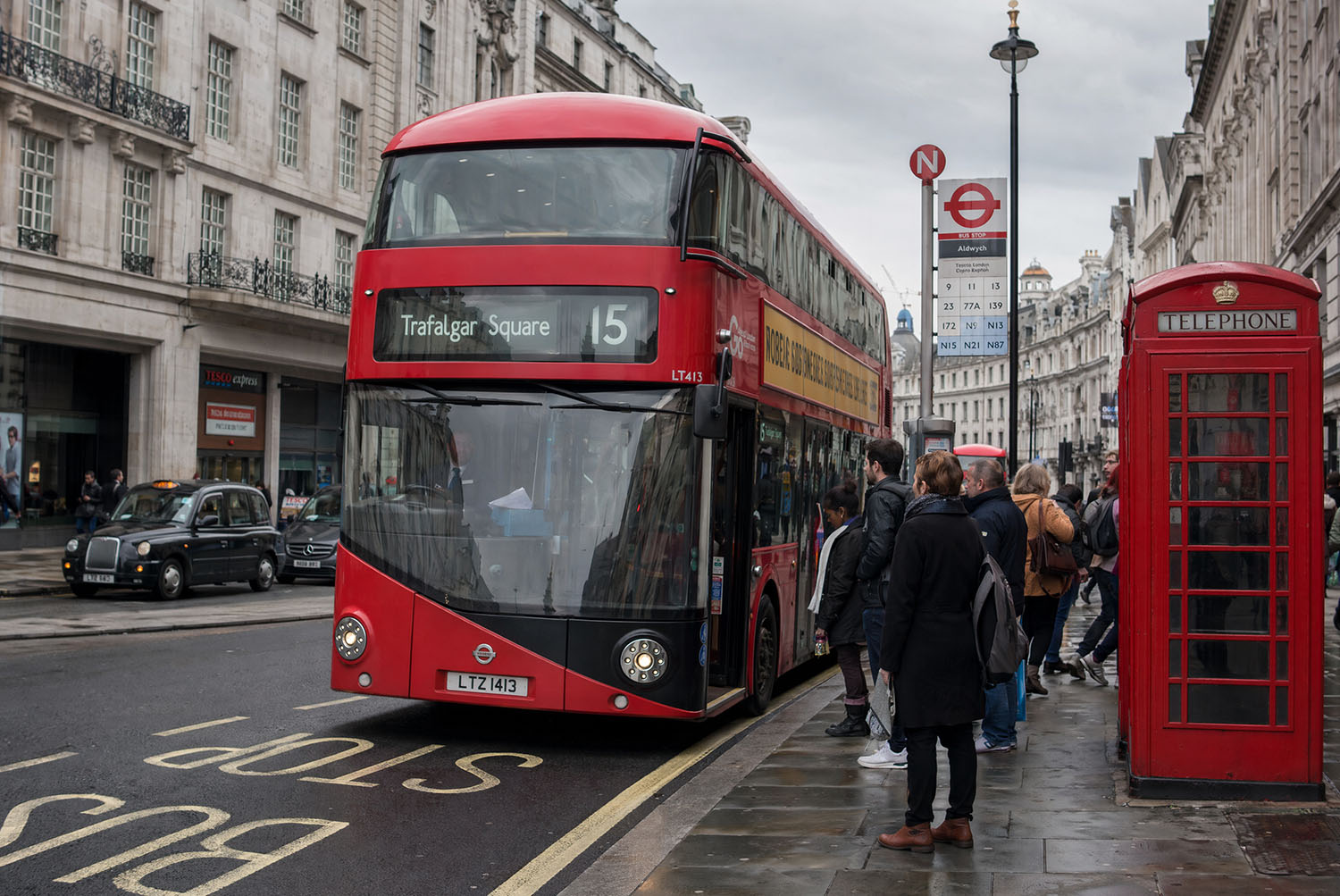
Wrap the double-decker bus from the first image with the exact branding design from the second image as a full bus livery. Keep the street scene, people, and background unchanged.
 Use this prompt
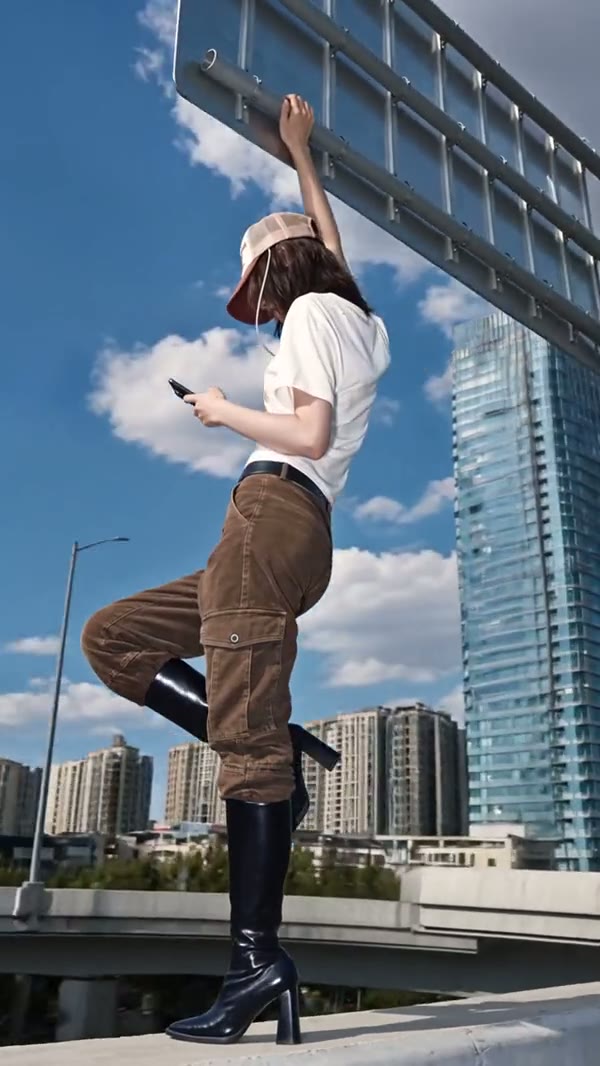
먼저 무음 영상을 생성한 후 오디오를 추가하는 기존 워크플로우와 달리, Veo는 통합 멀티모달 아키텍처를 사용하여 오디오와 비디오를 한 번에 함께 생성합니다.
Veo는 창작자에게 시각적 세부 사항에 대한 깊은 제어권을 제공하여, 단순한 랜덤 생성기가 아닌 진정한 창작 도구로 기능합니다.
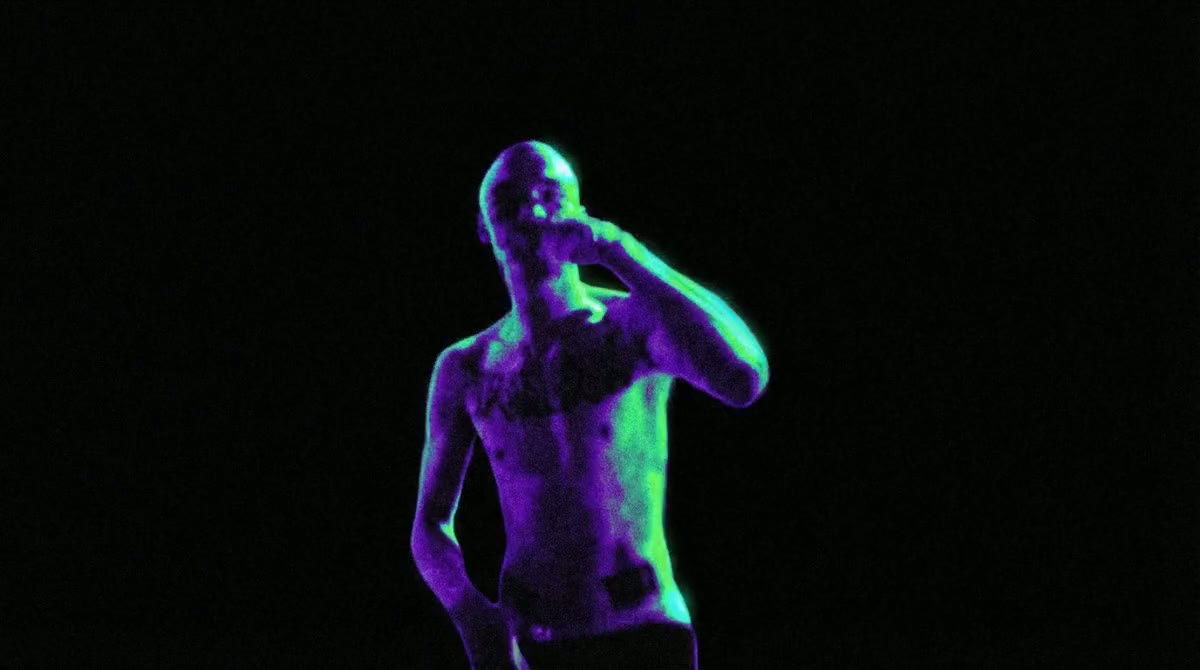
Veo는 강력한 논리적 이해력과 내러티브 능력을 갖추고 있어, 단일 샷 생성을 넘어섭니다.
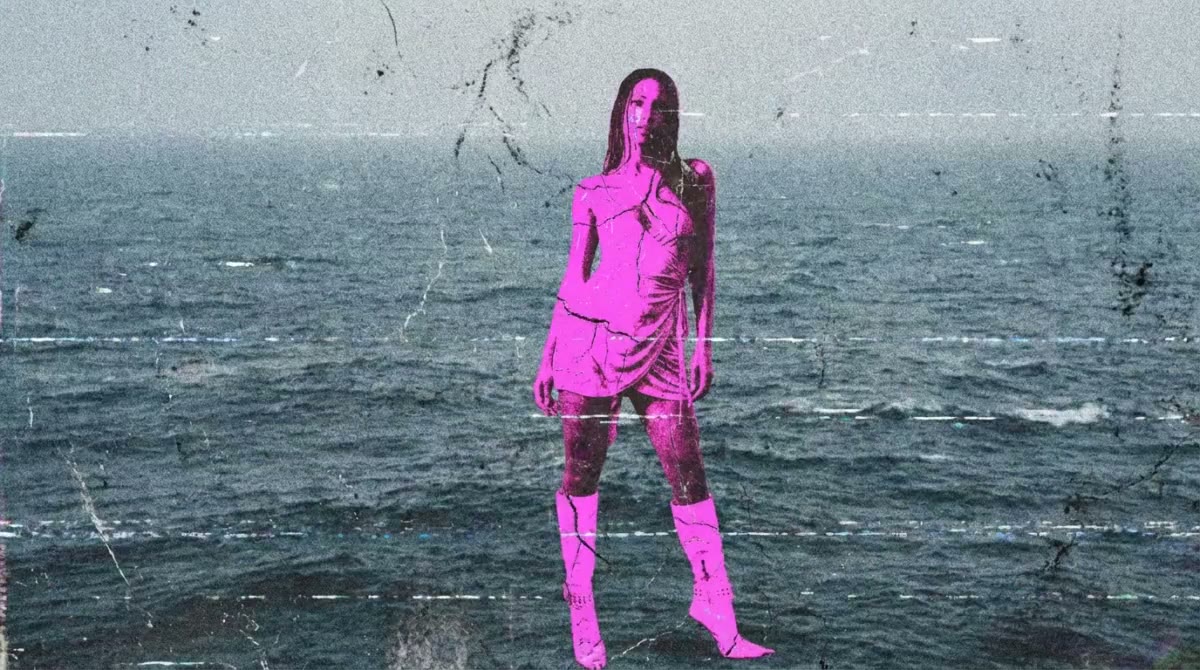
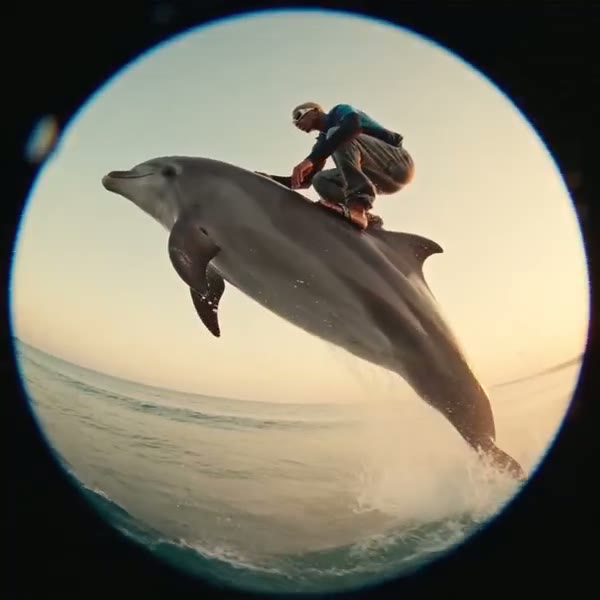
Veo는 실세계 물리적 동작에 대한 더 깊은 이해를 보여줍니다.
현재 이용 가능한 모델: Seedance 2.5, Seedance 2.0, Seedance 2.0 Fast 및 Seedance 2.0 Mini.





매달 만드는 콘텐츠를 알려주시면 충분한 플랜을 추천해 드립니다.
해당하는 항목을 모두 선택하세요
Seedance 2.5 영상 5개35 크레딧
Seedance 2.0 영상 15개75 크레딧
Nano Banana Pro 이미지 10장60 크레딧
그 밖에 필요한 기능을 추가하세요
프로 추천
연간 결제, 언제든지 취소
월간 결제 대비 연 $174 절약
다른 질문이 있으신가요? hi@veo.movie로 문의해 주세요.
최종 업데이트: 10월 24, 2026
Google DeepMind가 Veo를 개발합니다. Veo.movie는 독립적인 영상 및 이미지 제작 사이트입니다.
AI Video에서 Veo 3.1 또는 Fast를 고른 뒤 첫 프레임과 마지막 프레임을 순서대로 올리고 움직임을 설명하세요.
720p는 4초, 6초, 8초를 지원합니다. 1080p와 4K는 8초를 사용합니다. 오디오 설정은 비용에 반영됩니다.
AI Image에서 GPT Image 2 같은 이미지 모델을 선택하세요. 예제를 열면 원래 프롬프트, 입력 이미지와 설정이 복원됩니다.
제출 전에 예상 비용을 확인합니다. 작업이 성공하면 정산하고 실패가 확인되면 예약한 크레딧을 돌려줍니다.