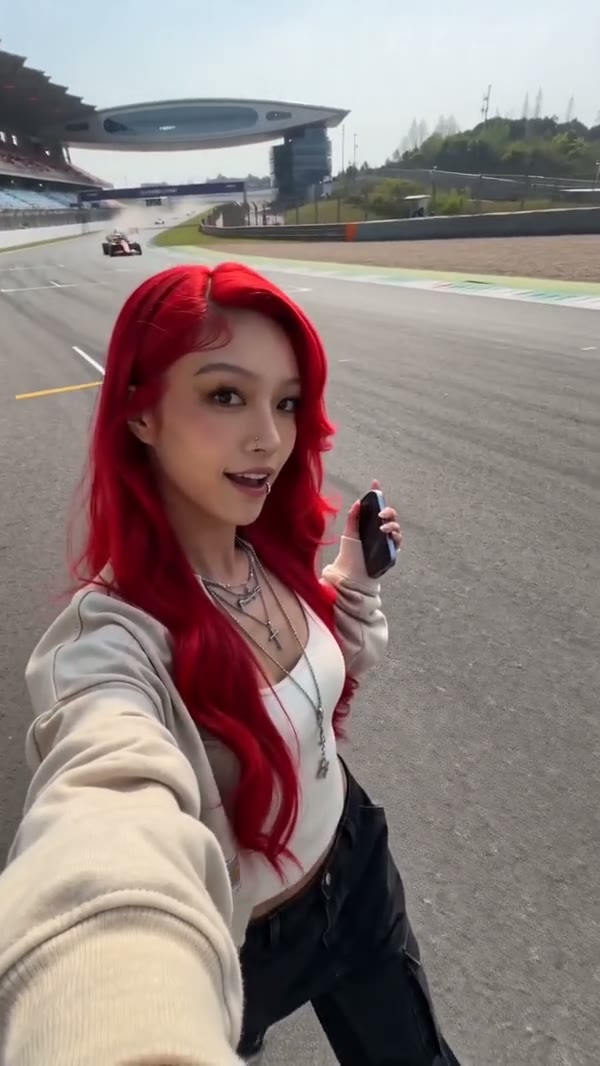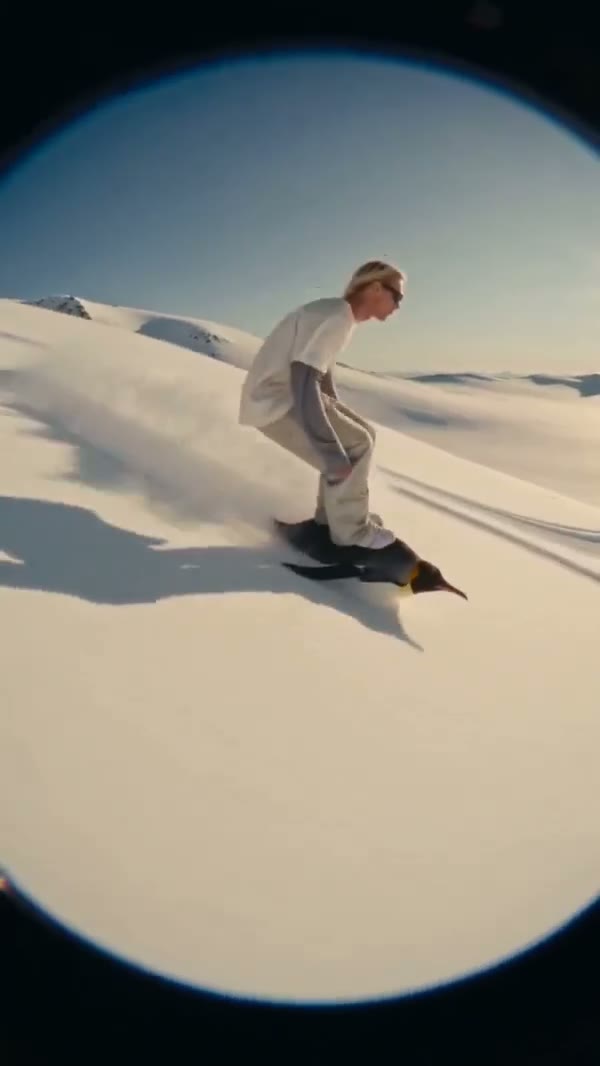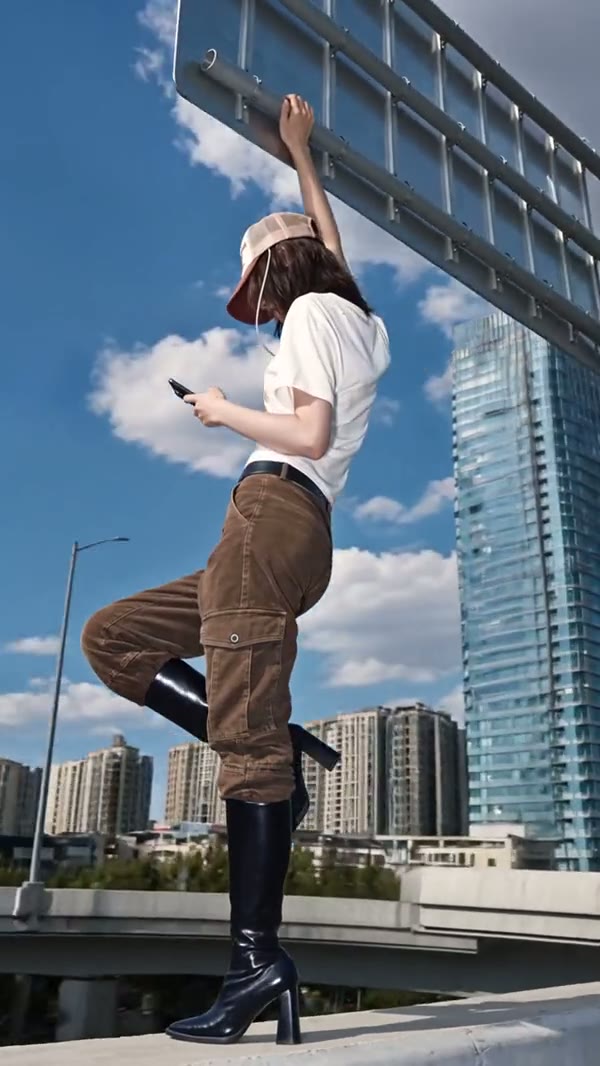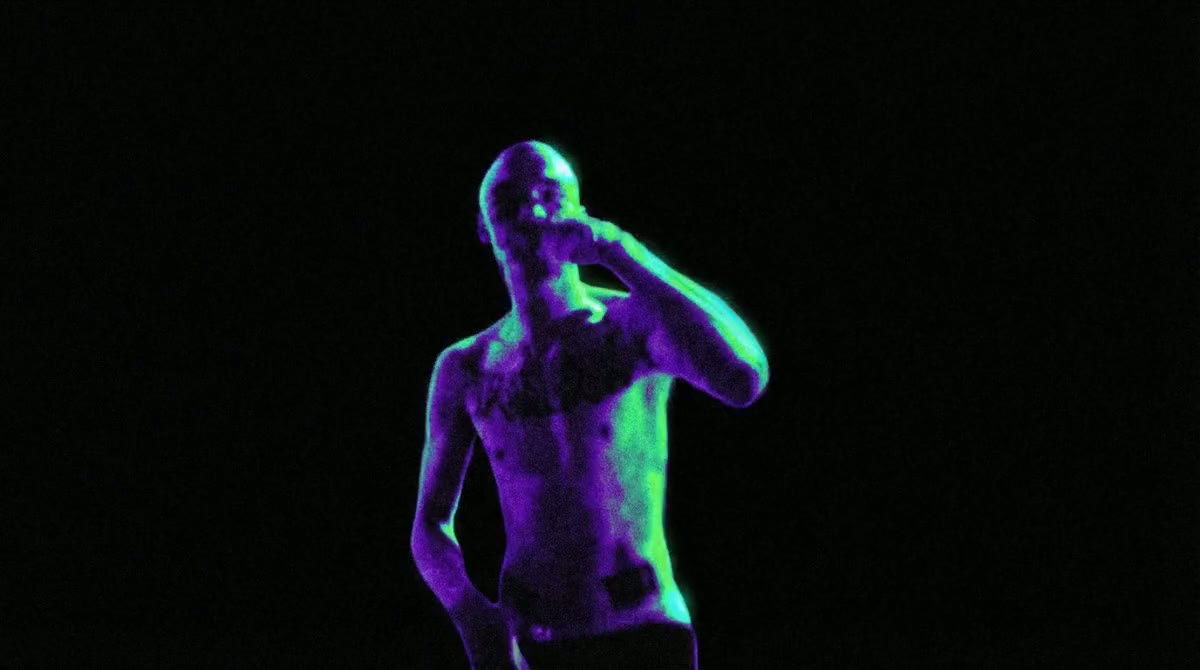

Veo 3.1 · Text to video
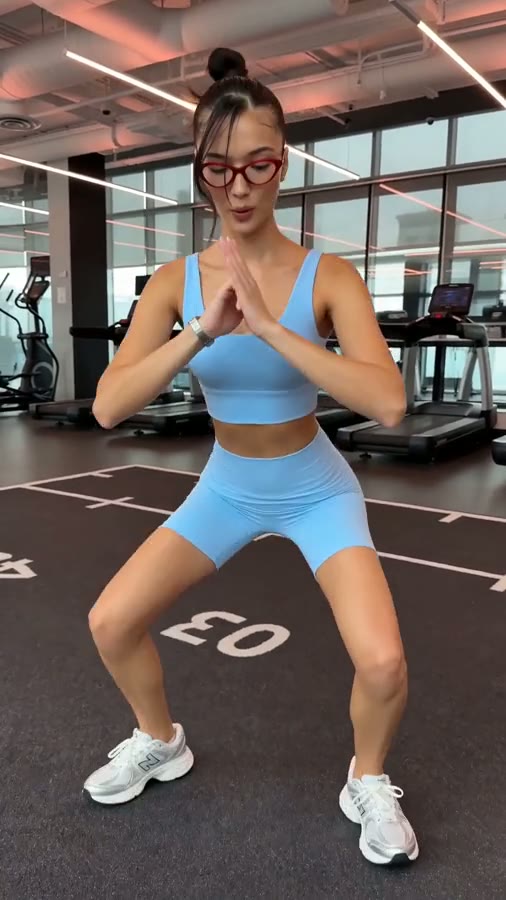
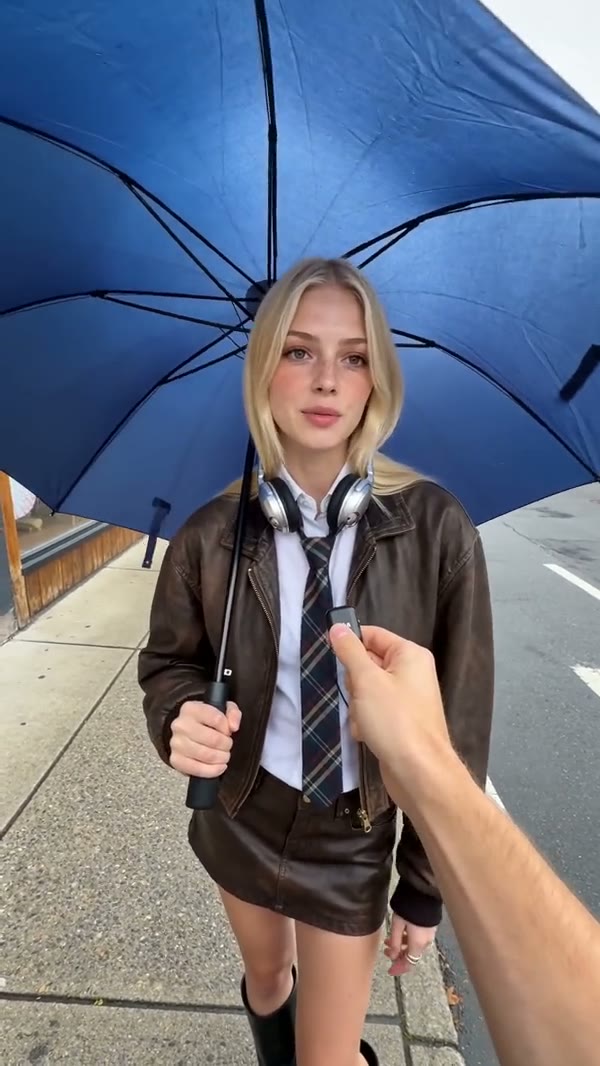
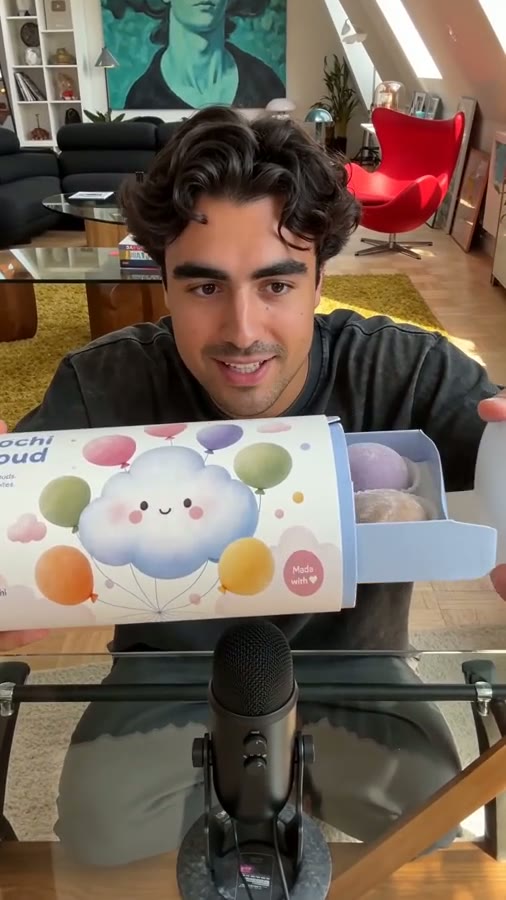
Two person street interview in New York City. Sample Dialogue: Host: "Did you hear the news?" Person: "Yes! Veo 3.1 is now available on fal. If you want to see it, go check their website."
使用此提示词
用 Veo 将提示词或图片变成视频,也可以用首尾两帧控制镜头。选择 Veo 3.1 标准版或 Fast 制作视频,在 AI Image 中使用专门的图像模型。
Two person street interview in New York City. Sample Dialogue: Host: "Did you hear the news?" Person: "Yes! Veo 3.1 is now available on fal. If you want to see it, go check their website."
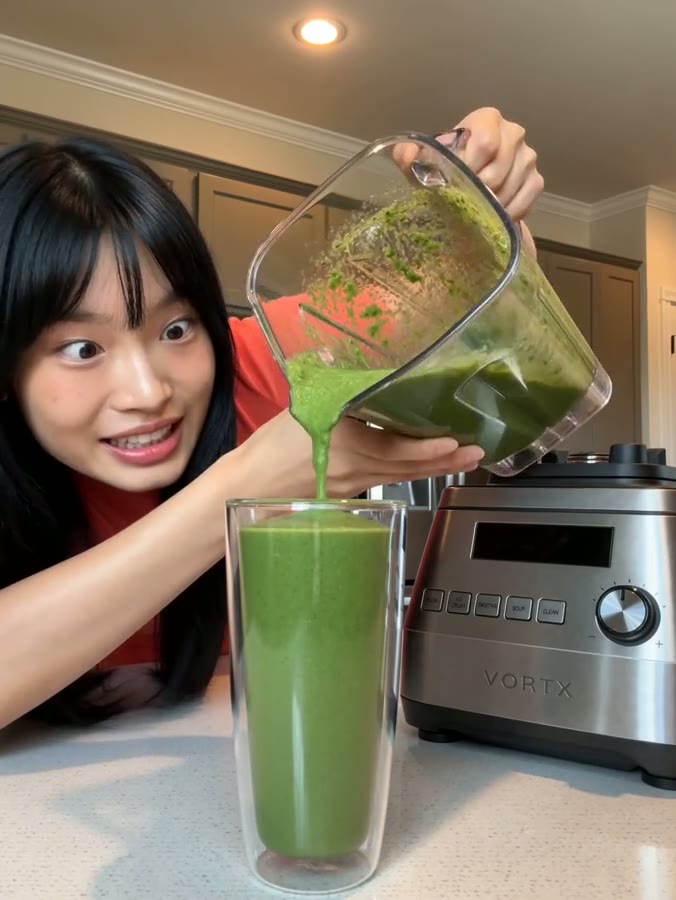
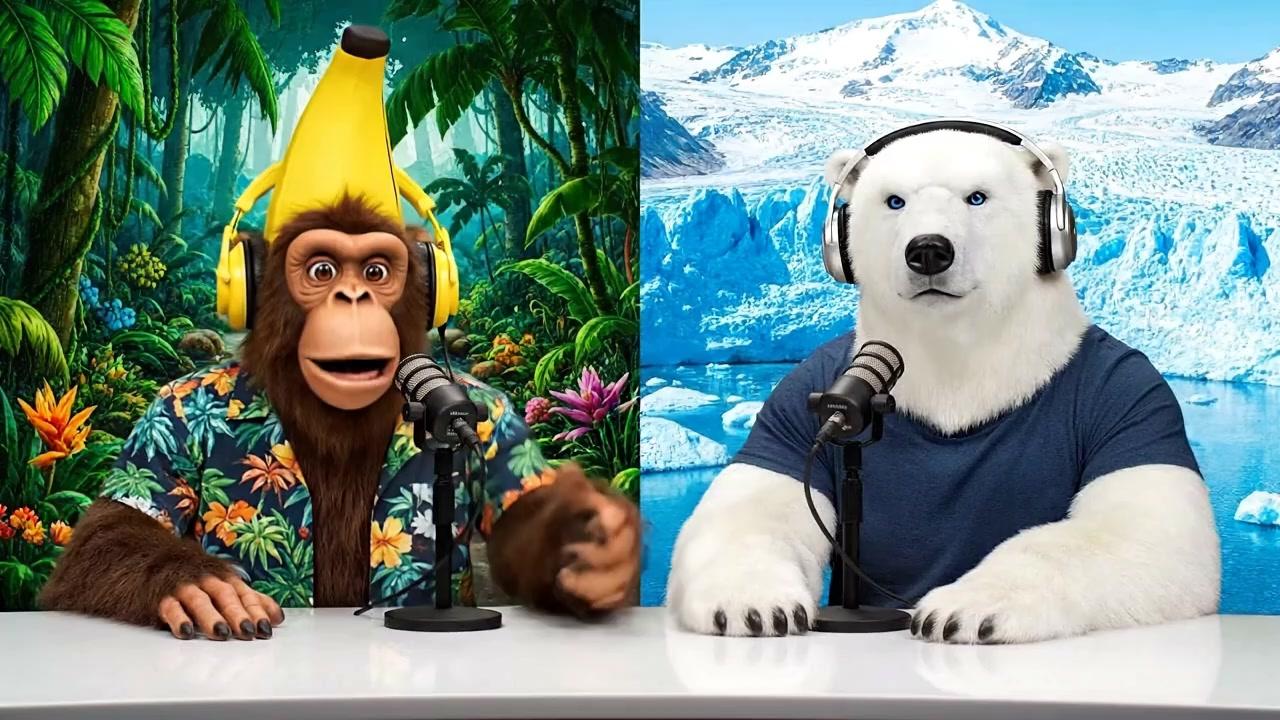
使用此提示词A monkey and polar bear host a casual podcast about AI inference, bringing their unique perspectives from different environments (tropical vs. arctic) to discuss how AI systems make decisions and process information. Sample Dialogue: Monkey (Banana): "Welcome back to Bananas & Ice! I am Banana" Polar Bear (Ice): "And I'm Ice!"
 使用此提示词
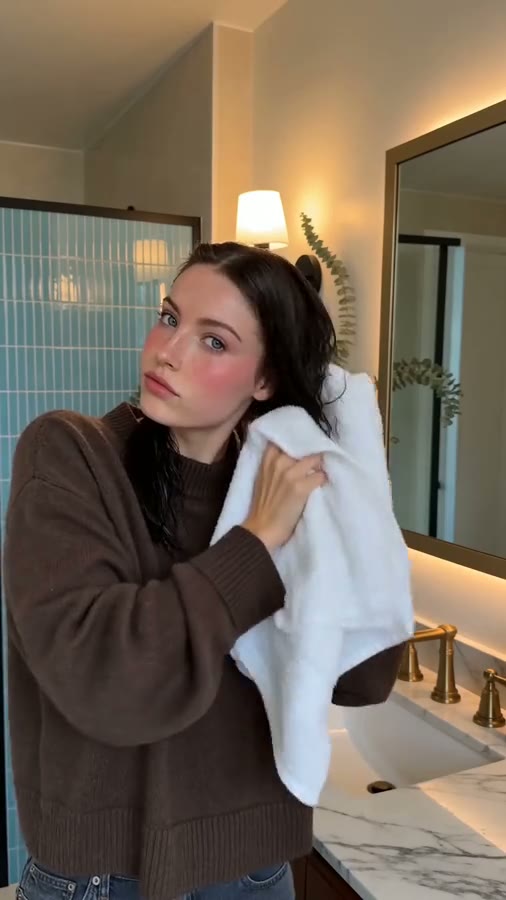
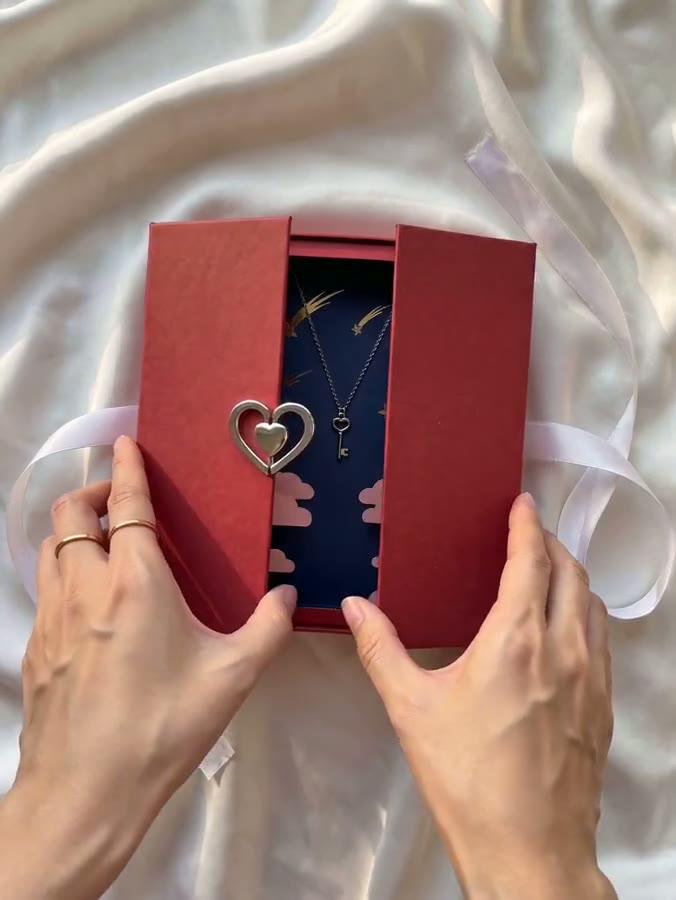
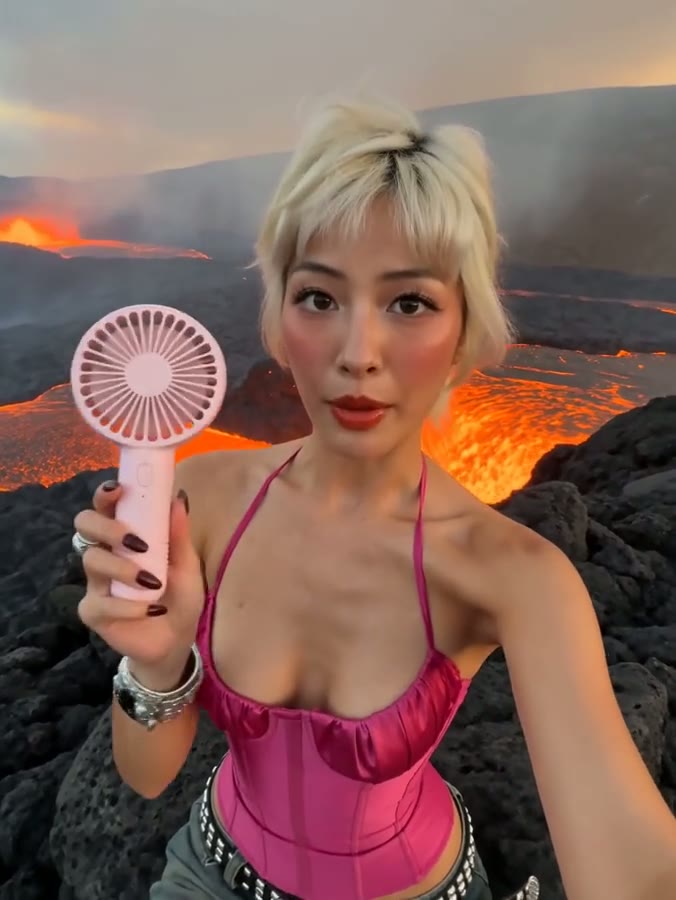
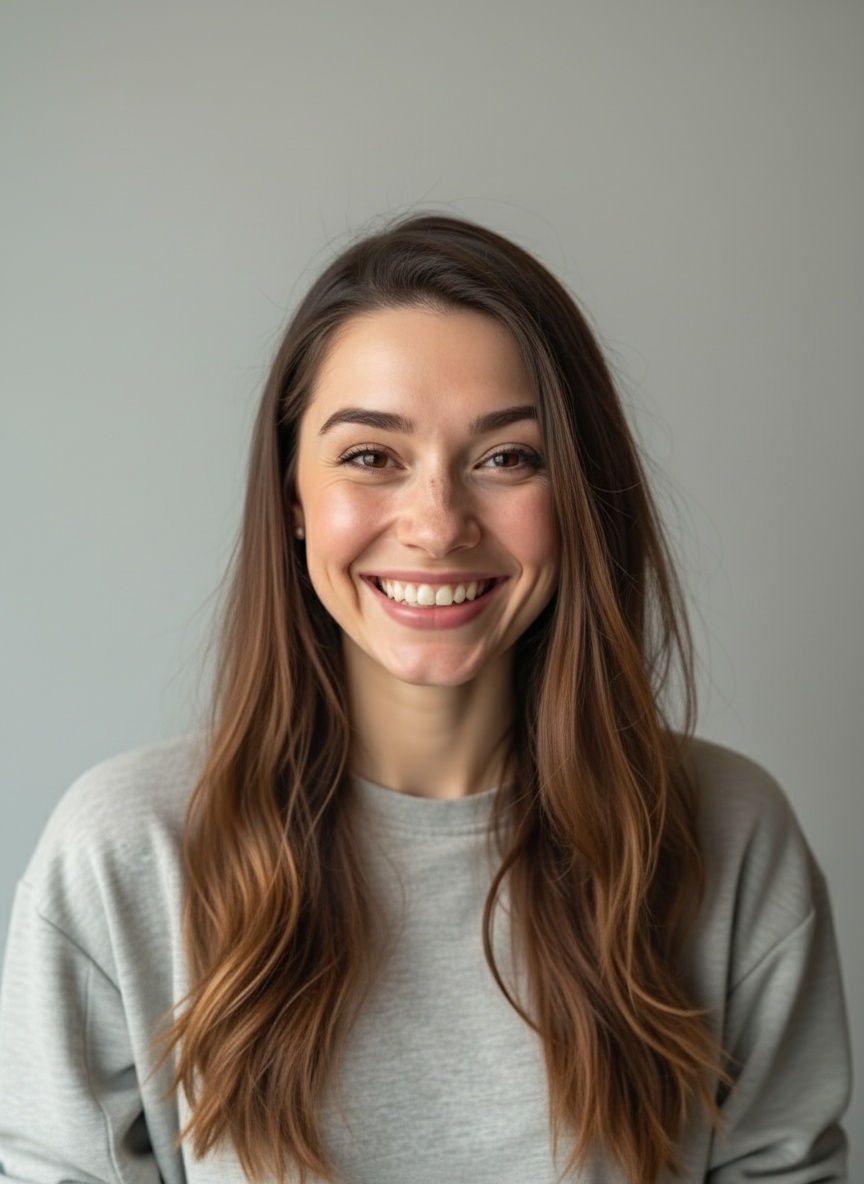
A woman looks into the camera, breathes in, then exclaims energetically, "have you guys checked out Veo3.1 First-Last-Frame-to-Video on Fal? It's incredible!"
 使用此提示词
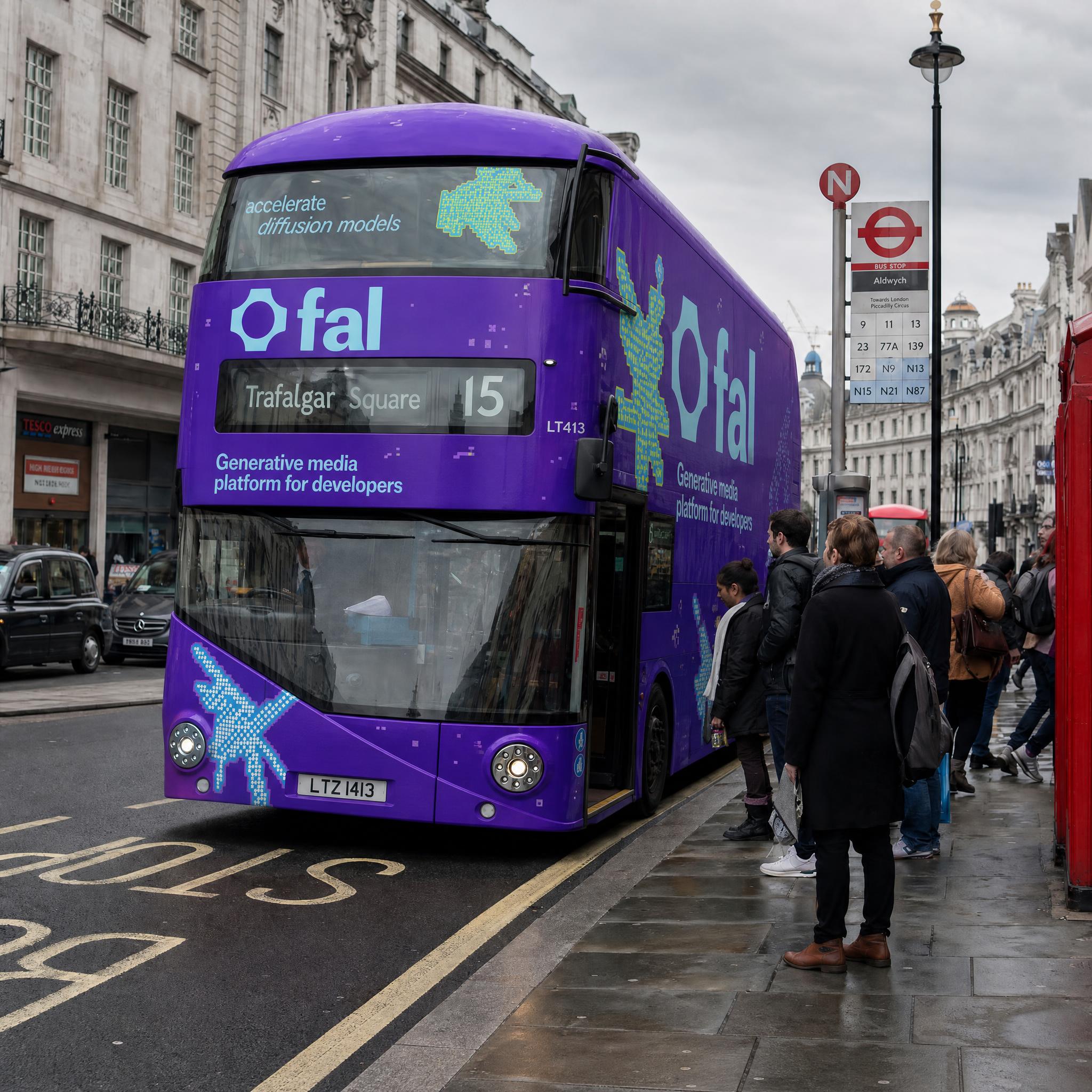
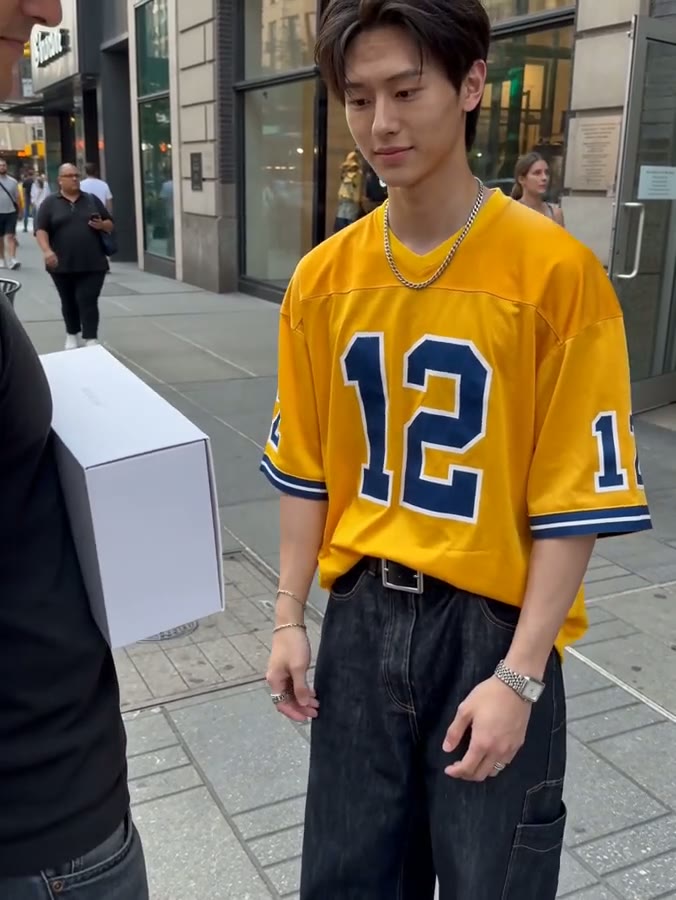
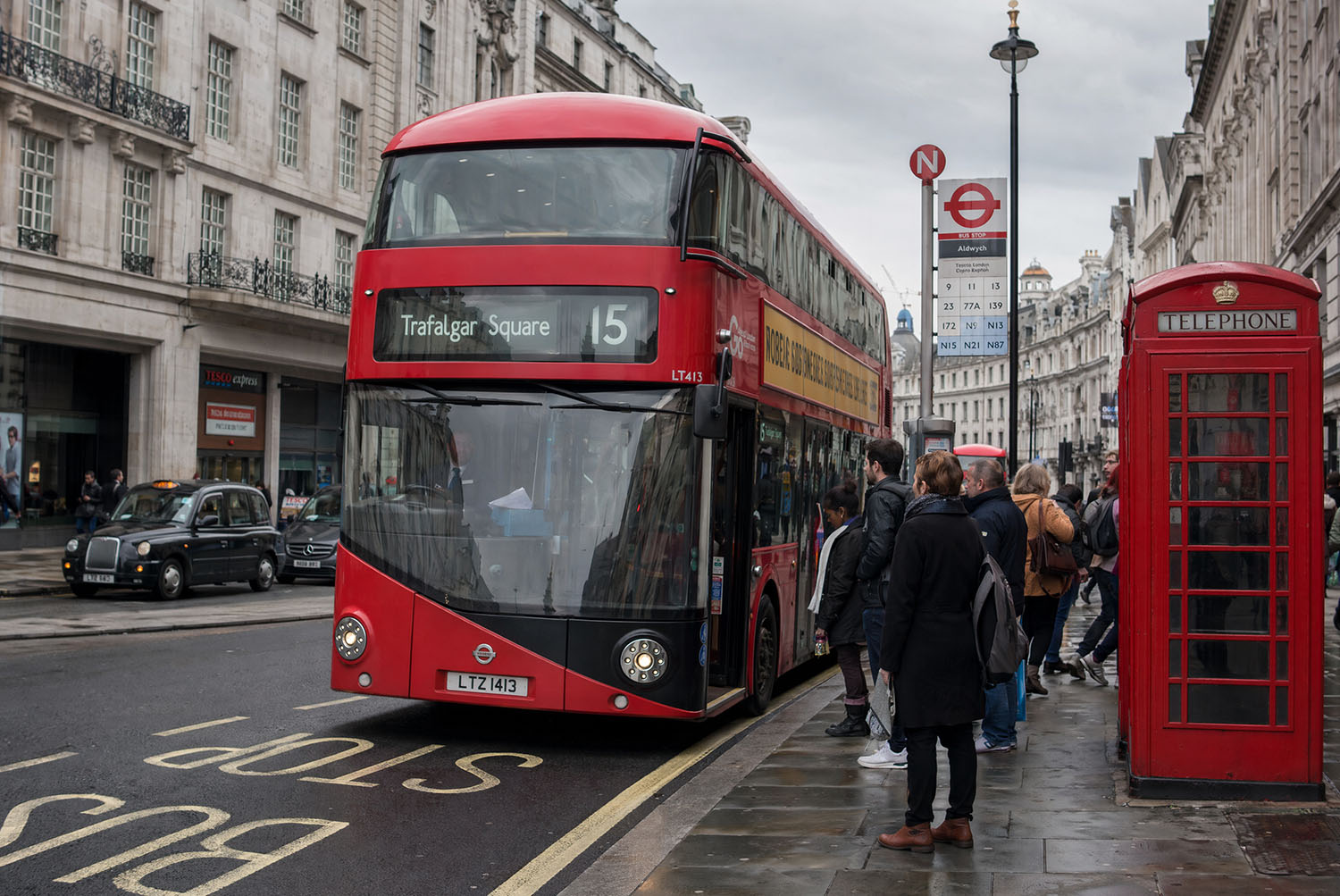
Wrap the double-decker bus from the first image with the exact branding design from the second image as a full bus livery. Keep the street scene, people, and background unchanged.
 使用此提示词
区别于先生成无声视频再后期配音的传统流程,Veo 采用统一多模态架构,支持音视频同步一次性生成。
赋予创作者对画面细节的深度掌控,更像“创作工具”而非随机生成器。
具备更强逻辑理解与叙事能力,突破单一镜头限制。
模型对真实世界物理规律有更深理解。
当前可用模型:Seedance 2.5、Seedance 2.0、Seedance 2.0 Fast 和 Seedance 2.0 Mini。





告诉我们你每月做什么,我们帮你找到够用的套餐。
可多选
5 条 Seedance 2.5 视频35 积分
15 条 Seedance 2.0 视频75 积分
10 张 Nano Banana Pro 图片60 积分
添加你还需要的其他内容
我们推荐 Pro 专业版
按年付费,随时取消
比月付每年节省 $174
如果还有疑问,请联系 hi@veo.movie。
最后更新: 2026/10/24
Veo 由 Google DeepMind 开发。Veo.movie 是独立运营的多模型创作网站。打开 AI Video 后可以在 Veo 3.1 标准版和 Fast 之间选择。
可以浏览示例、查看输入素材、编辑提示词和比较报价。新账号初始余额为零。
Fast 的每秒报价更低,适合先测试镜头设计。示例会恢复原来的模型版本、分辨率和音频设置。
打开 AI Video,选择 Veo,上传起始图片,再描述镜头或主体的运动,检查时长、画幅和声音设置。
可以。按顺序上传两张图片,标准版和 Fast 都会使用对应版本的首尾帧接口。
720p 或 1080p 标准版每秒无声 20 分、有声 40 分,Fast 分别为 10 和 15 分。4K 标准版分别为 40 和 60 分,Fast 分别为 30 和 35 分。请以提交前显示的报价为准。
720p 可选 4、6 或 8 秒。1080p 和 4K 使用 8 秒。文生视频支持横屏 16:9 和竖屏 9:16。
打开 AI Image,可用 GPT Image 2 等图像模型生成或编辑静态图片。Veo 在 AI Video 工作区生成视频。
点击示例按钮可回填模型、参数和素材。成品保存在创作历史中,复用后可以继续编辑,并查看新的费用。
系统预扣提交时显示的积分,成功后结算,确认失败后退回。供应商接单状态尚未确定时,系统继续查询任务状态。